Study in Pictures🌐 English (United States)
Networking & Cabling Illustrated

Digital book in PDF · read it on your phone or print it

Networking & Cabling Illustrated

RJ45 pinouts wire by wire, copper vs. fiber, PoE, the OSI model, subnetting, DHCP and DNS, VLANs, Wi-Fi and troubleshooting. Every topic gets its own page: the drawing first, then what you need to remember.

  • 75 illustrated pages
  • English
  • 30-day guarantee
US$ 27US$ 63
Get the book · US$ 27

Price shown for: United States. In other countries, the checkout shows the price that applies there.

About this book

What it is

RJ45 pinouts wire by wire, copper vs. fiber, PoE, the OSI model, subnetting, DHCP and DNS, VLANs, Wi-Fi and troubleshooting. Every topic gets its own page: the drawing first, then what you need to remember.

Who This Book Is For
  • You're switching careers into networking
  • Your certification exam is coming up
  • You already pull cable or work help desk
What it covers
  1. The Network in One Picture
  2. Copper Cable and Termination
  3. Fiber, PoE, and Structured Cabling
  4. The OSI Model and Ethernet
  5. IP Addressing and Subnetting
  6. Services, Ports, and Protocols
  7. VLANs and Wi-Fi
  8. Troubleshooting From the Bottom Up
  9. Review and Job Checklists
Language
English (United States)
Pages
75
Format
Digital book in PDF · read it on your phone or print it
Price
US$ 27 (United States)
Delivery
This is a digital PDF book sent to your email: nothing is printed or shipped.
30-Day Guarantee
30-day guarantee: if a file doesn't open, if the content isn't what the product page describes, if you were charged twice or the email never arrived, write to us and we'll refund you in full.

Look Inside the Book

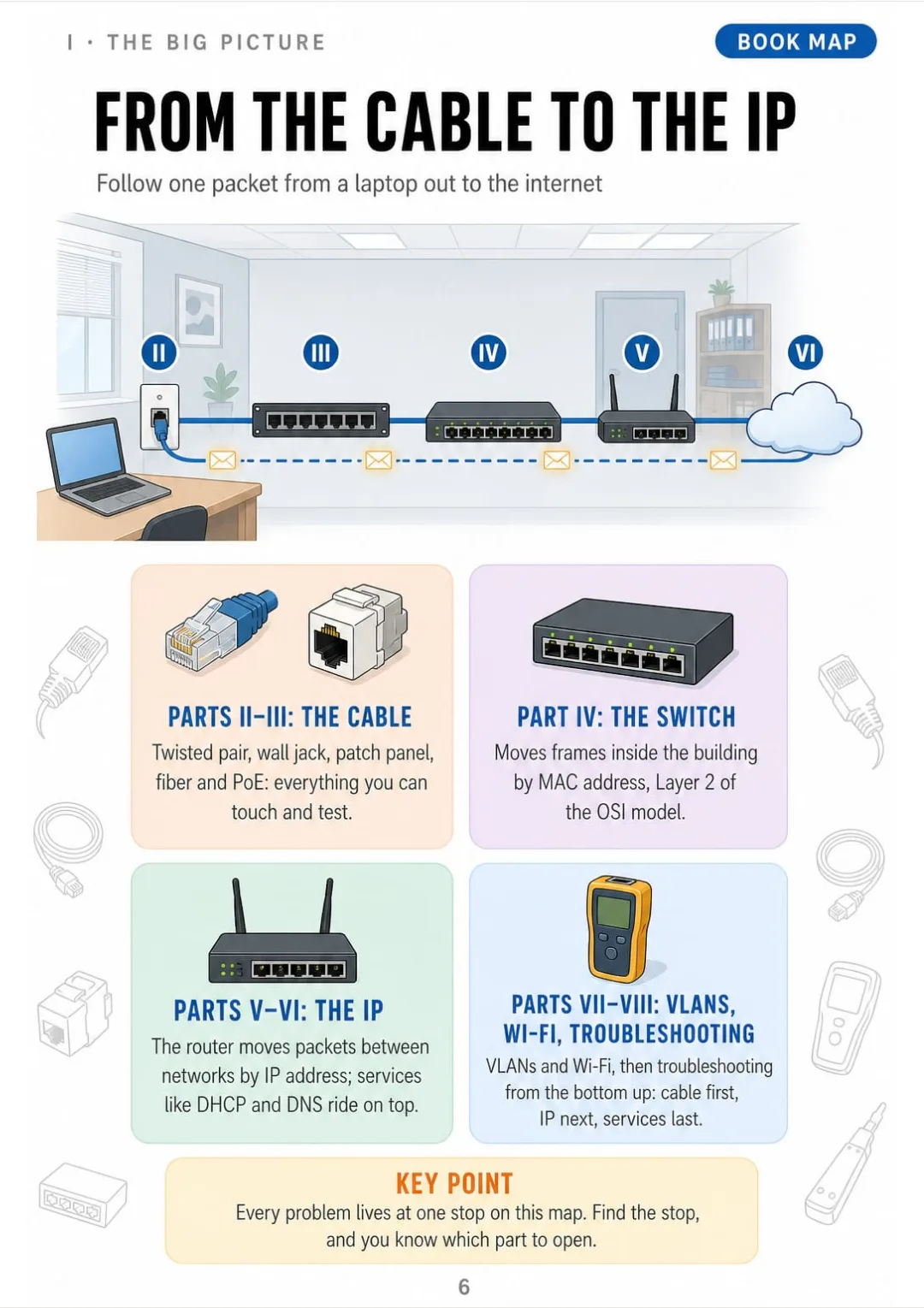
Wall jack → patch panel → switch → router → ISP, each stop tied to its book part
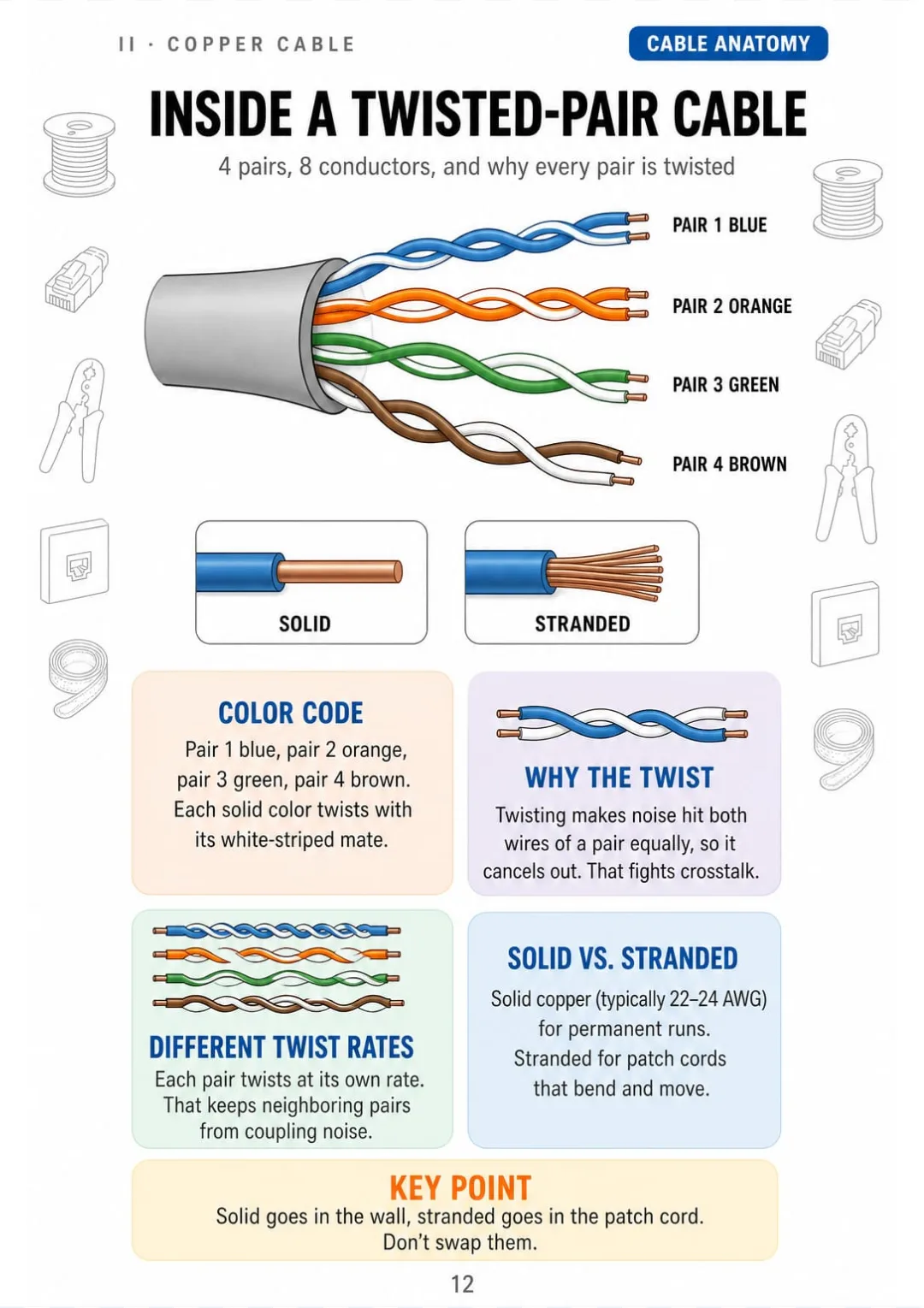
4 pairs: blue, orange, green, brown. Solid in the wall, stranded in patch cords.
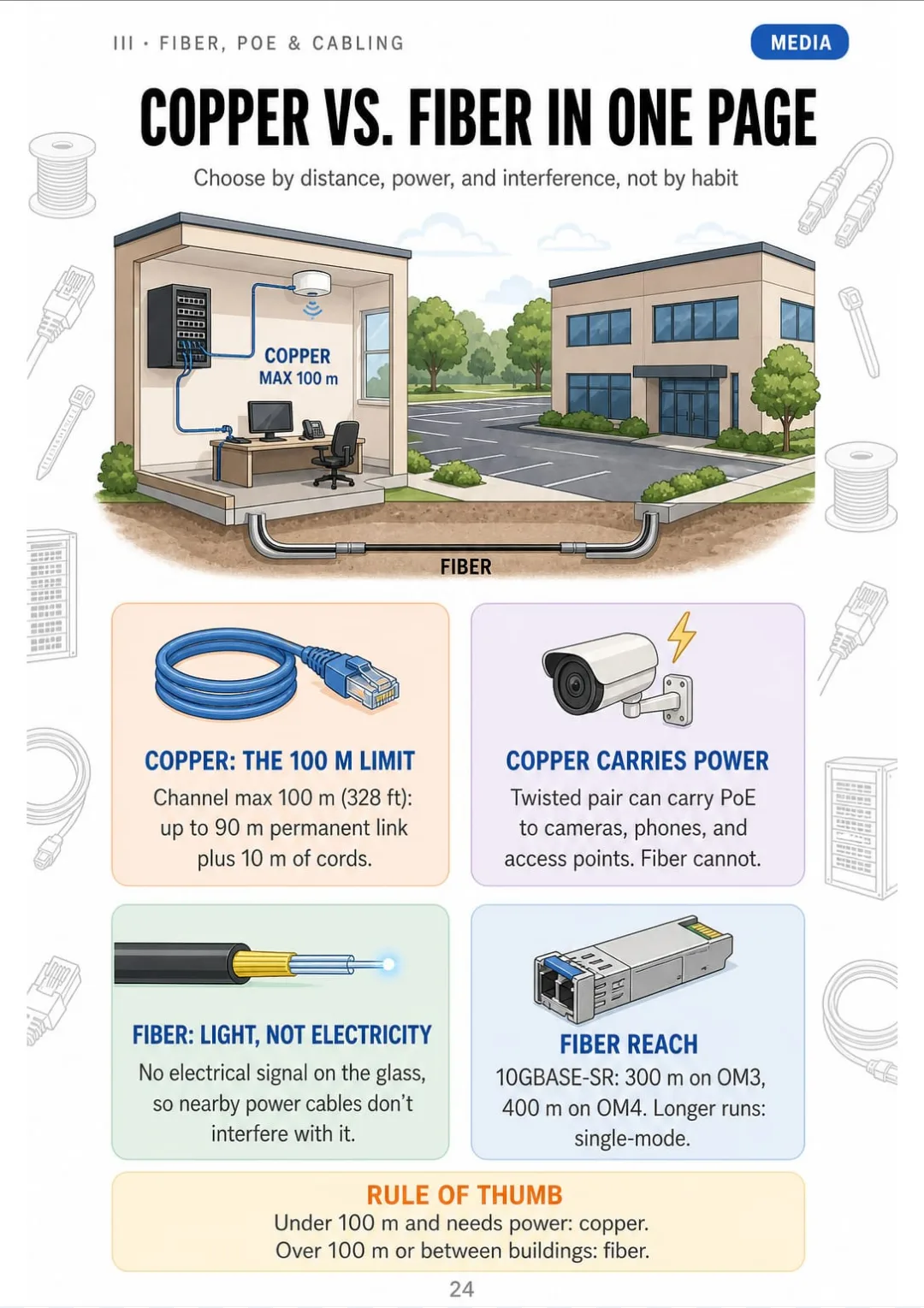
Copper: 100 m channel and PoE. Fiber: 300–400 m on OM3/OM4, more on single-mode.
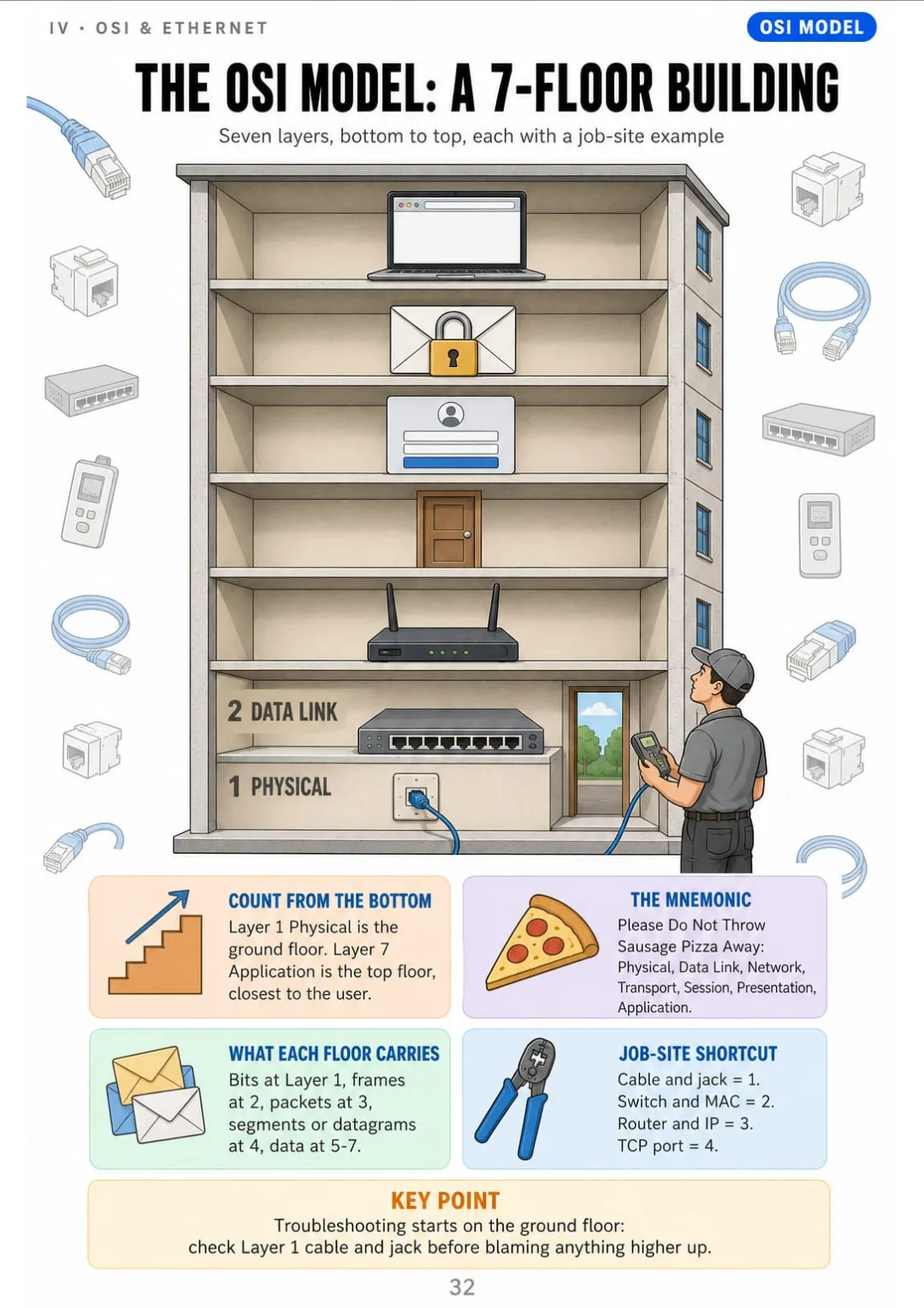
OSI from the bottom up: 1 Physical, 2 Data Link, 3 Network, 4 Transport, 5 Session, 6 Presentation, 7 Application.
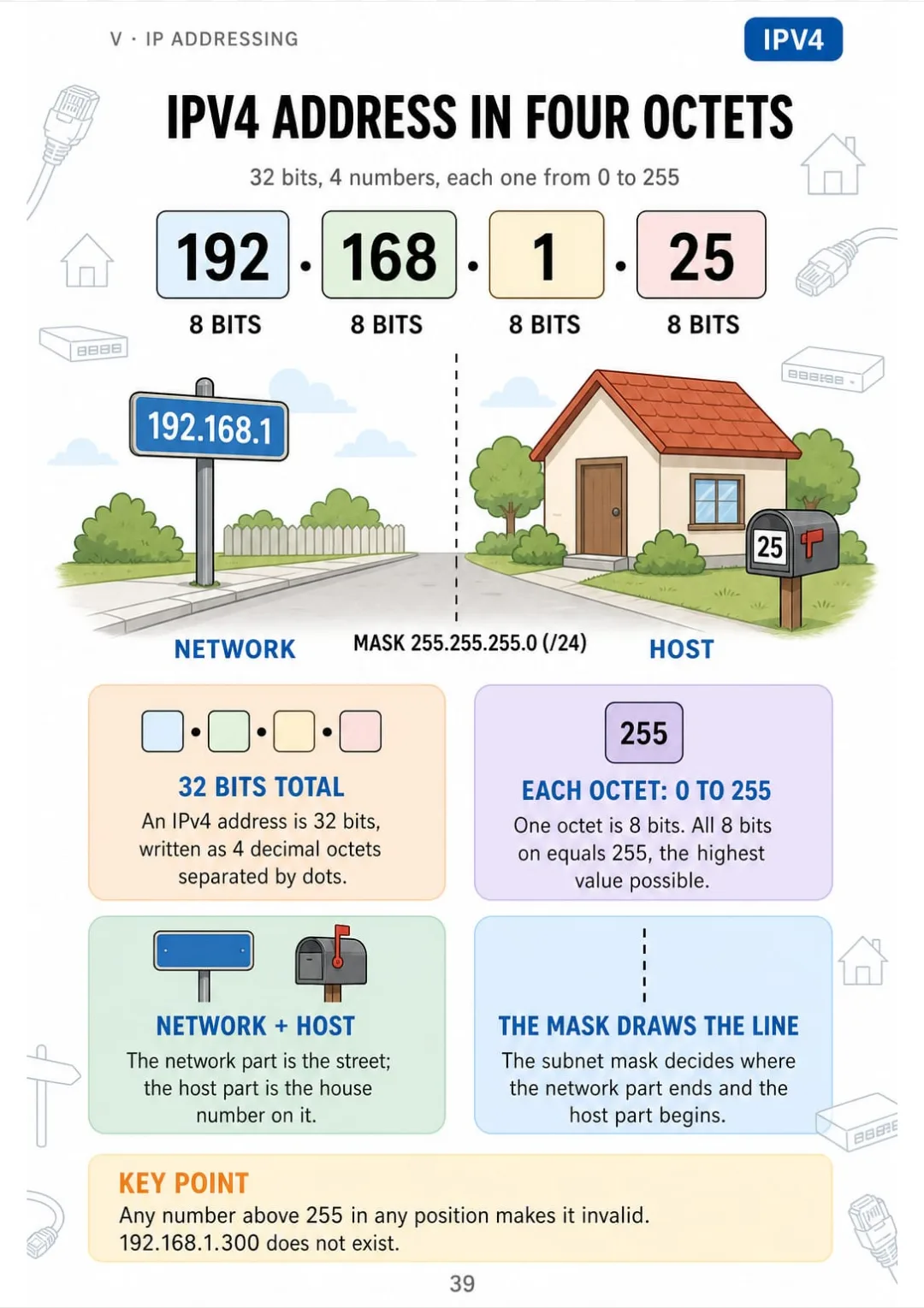
IPv4: 32 bits in 4 octets from 0 to 255, network part plus host part
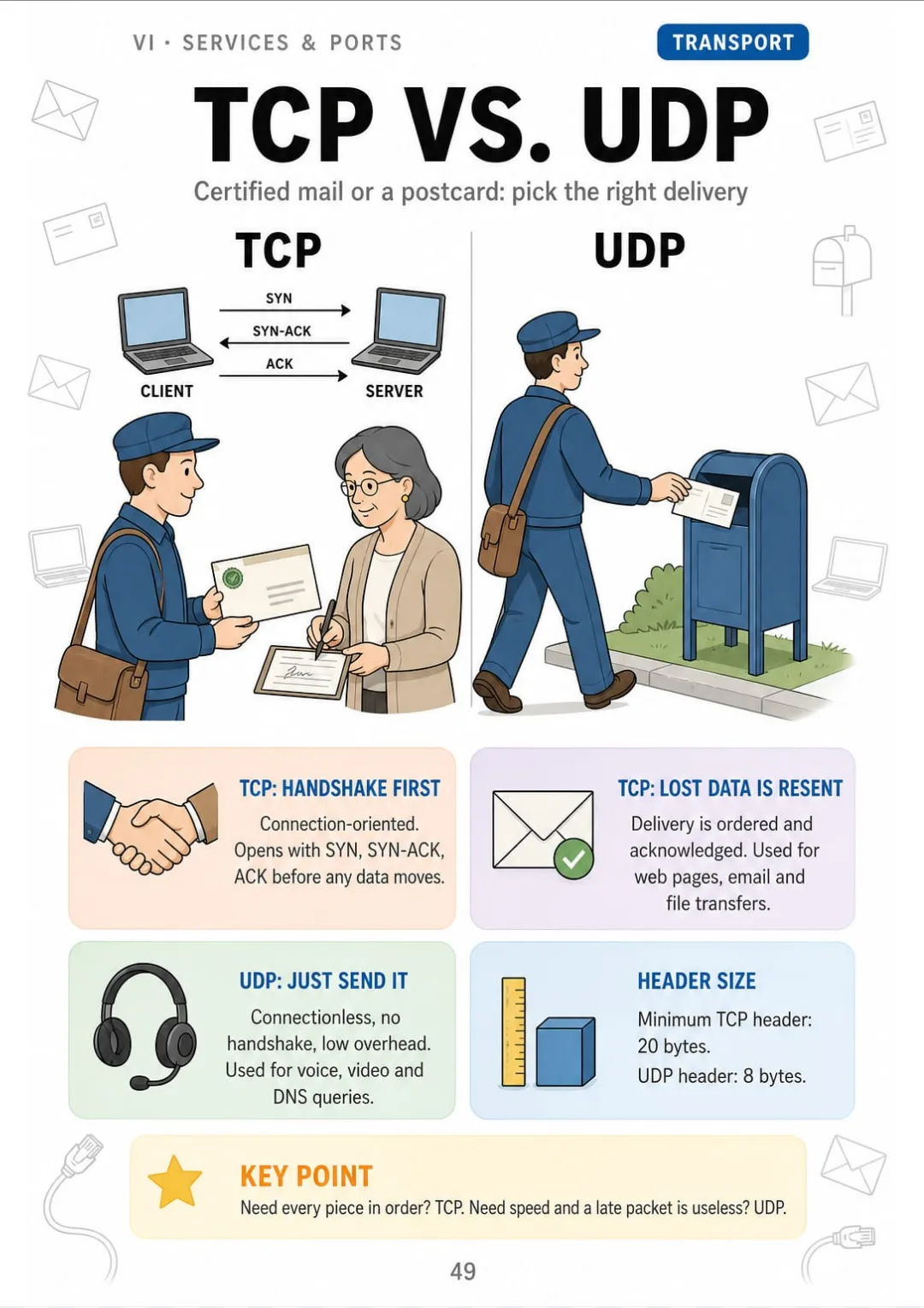
TCP: 3-way handshake, 20-byte header. UDP: no handshake, 8-byte header.
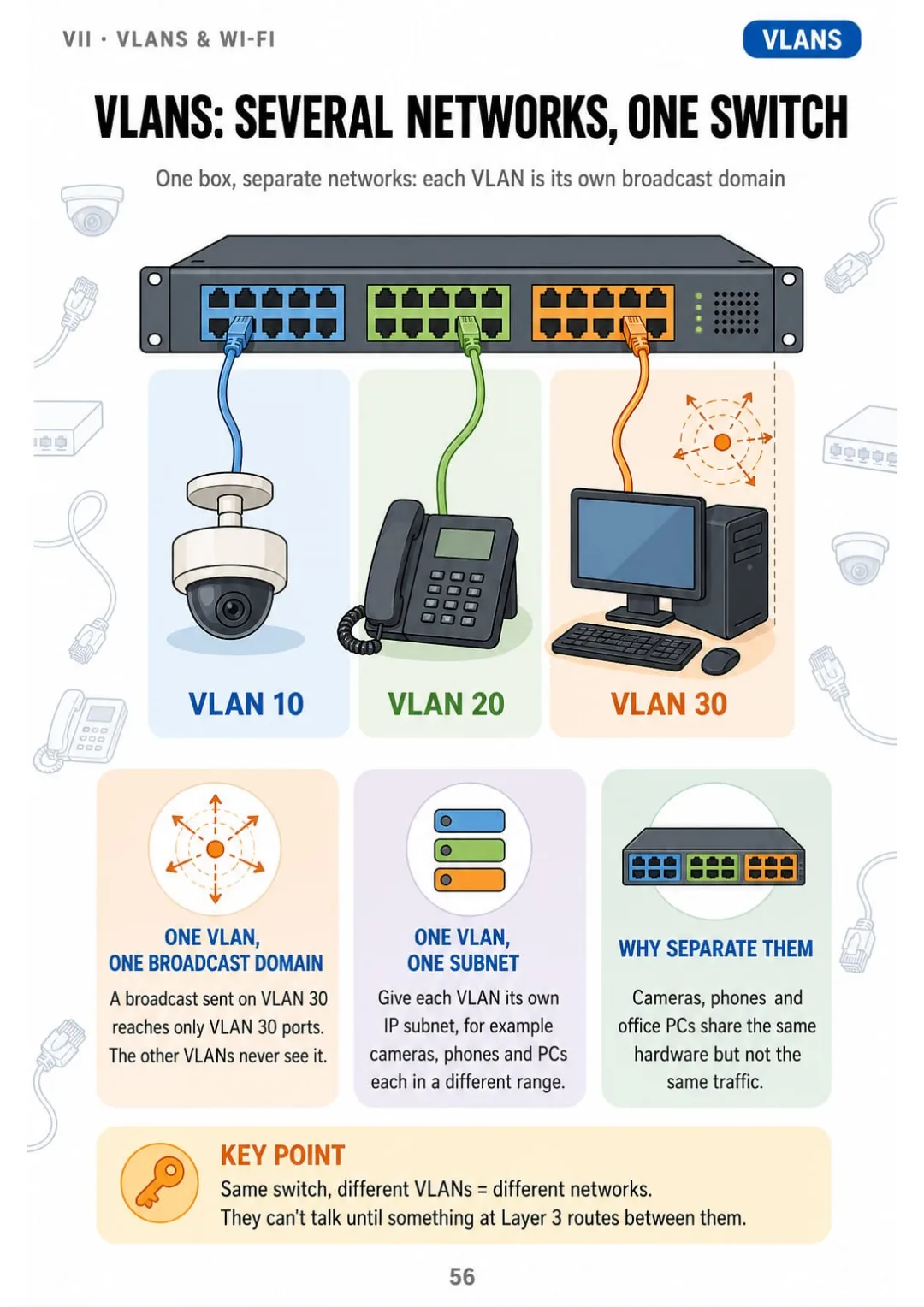
Each VLAN = its own broadcast domain and its own subnet, on the same switch
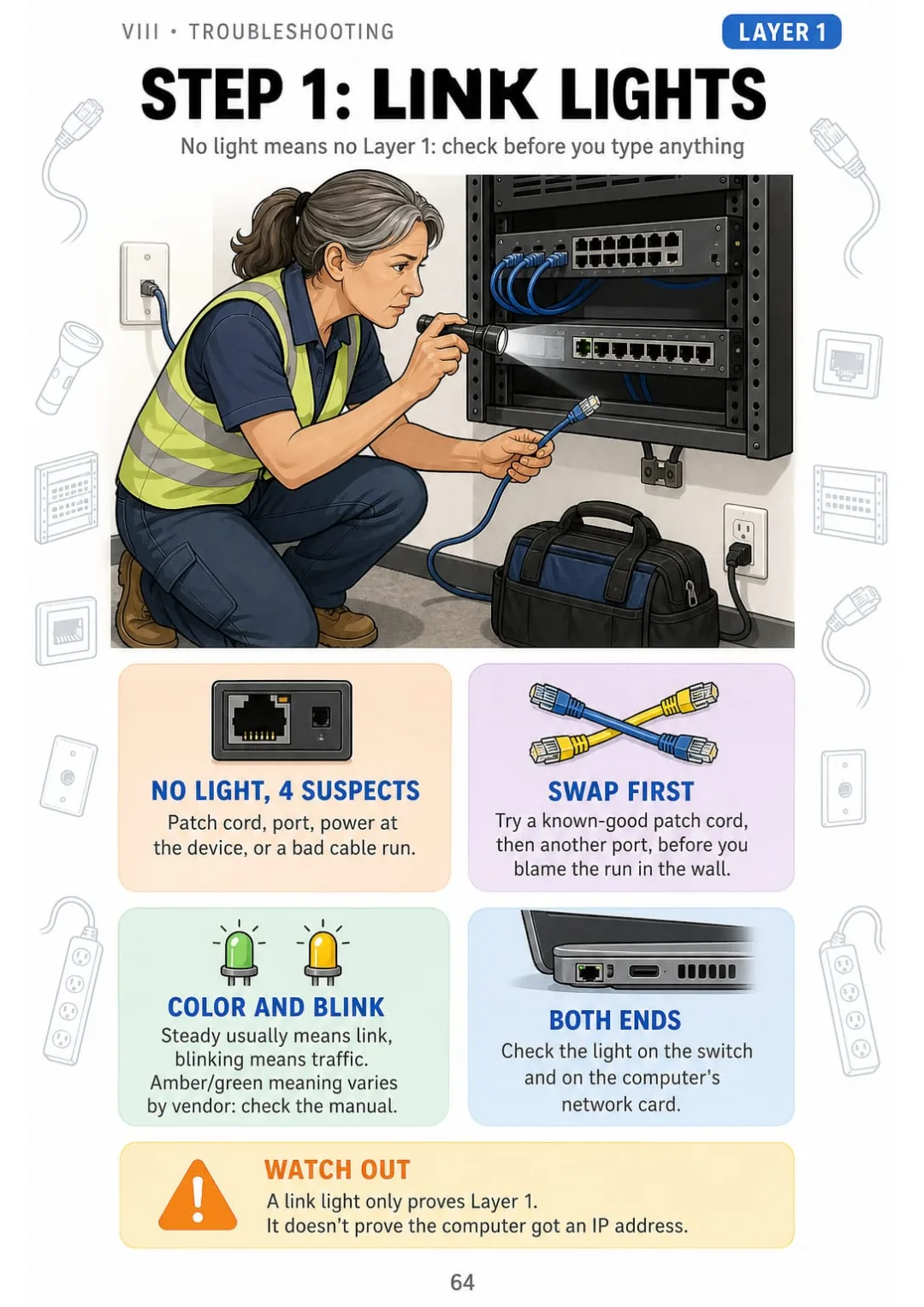
No link light = Layer 1: patch cord, port, power or the run. Swap cord and port first

Take a Look at the 9 Parts and 70 Topics

The Network in One Picture

pp. 6-11
  1. From the Cable to the IP: The Map of This Book
  2. LAN, WAN, and the Internet
  3. Bits, Bytes, and Speed
  4. Topologies You Will Actually See
  5. Client, Server, and Peer-to-Peer
  6. The Network Closet at a Glance

Copper Cable and Termination

pp. 12-23
  1. Inside a Twisted-Pair Cable
  2. Cat5e, Cat6, Cat6A: Which One and Why
  3. UTP vs. Shielded Cable
  4. T568B Wire by Wire
  5. T568A vs. T568B: The Only Difference
  6. Straight-Through, Crossover, and Auto-MDI-X
  7. Crimping an RJ45 in 6 Steps
  8. Punching Down a Keystone Jack
  9. Punching Down a Patch Panel
  10. Pulling Rules: Bend, Tension, and Distance
  11. Keeping Data Away From Power
  12. Coax Still on the Job: RG6 and RG59

Fiber, PoE, and Structured Cabling

pp. 24-31
  1. Copper vs. Fiber in One Page
  2. Multimode vs. Single-Mode
  3. Fiber Connectors and Transceivers
  4. Fiber Safety and Cleanliness
  5. Power over Ethernet by the Numbers
  6. Fire Ratings: CMP, CMR, CM
  7. The 6 Subsystems of Structured Cabling
  8. Labeling and Documentation

The OSI Model and Ethernet

pp. 32-38
  1. The OSI Model as a 7-Floor Building
  2. OSI vs. TCP/IP Model
  3. Encapsulation: The Envelope Inside the Envelope
  4. MAC Addresses
  5. Hub, Switch, Router: Who Does What
  6. How a Switch Learns: The MAC Table
  7. Loops and Spanning Tree

IP Addressing and Subnetting

pp. 39-48
  1. IPv4 Address in Four Octets
  2. Binary in 8 Boxes
  3. Subnet Masks and CIDR
  4. Private, Public, and Special Addresses
  5. Default Gateway: The Door Out
  6. Subnetting in 4 Steps
  7. Worked Example: 192.168.10.77/26
  8. How Many Hosts, How Many Subnets
  9. NAT and PAT: Many Devices, One Public IP
  10. IPv6 Without the Panic

Services, Ports, and Protocols

pp. 49-55
  1. TCP vs. UDP
  2. DHCP: DORA in 4 Steps
  3. DNS: From Name to Number
  4. ARP: From IP to MAC
  5. Port Numbers Worth Knowing
  6. Secure vs. Insecure Pairs
  7. Firewalls and ACLs in One Picture

VLANs and Wi-Fi

pp. 56-62
  1. VLANs: Several Networks on One Switch
  2. Access vs. Trunk Ports and the 802.1Q Tag
  3. Routing Between VLANs
  4. Wi-Fi Standards by Generation
  5. 2.4 GHz vs. 5 GHz vs. 6 GHz
  6. Placing Access Points
  7. Wi-Fi Security: WPA2, WPA3, and the Guest Network

Troubleshooting From the Bottom Up

pp. 63-70
  1. The Troubleshooting Ladder
  2. Step 1: Link Lights and the Physical Layer
  3. Step 2: Reading the Cable Tester
  4. Miswire: Is It the Plug or the Patch Panel?
  5. Step 3: ipconfig and What It Tells You
  6. Step 4: Ping in the Right Order
  7. Step 5: tracert, nslookup, and Beyond
  8. Common Symptoms and Their Layer

Review and Job Checklists

pp. 71-75
  1. The Whole Network on One Page
  2. Checklist: Before You Leave a Cabling Job
  3. Checklist: Bringing a New Device Online
  4. Mixed-Up Pairs: Terms People Confuse
  5. Subnetting Quick Drill

Who This Book Is For

You're switching careers into networking

You learn the network from the cable up, one page at a time and always in the same order, so the pieces finally fit together.

Your certification exam is coming up

You review the topics entry-level networking certifications cover, from pinouts to subnetting, and test yourself with the practice questions in the bonus book.

You already pull cable or work help desk

You keep it on hand, printed or on your phone, for the moment a tester says miswire or a user says the internet is down.

Plus: 2 Free Books

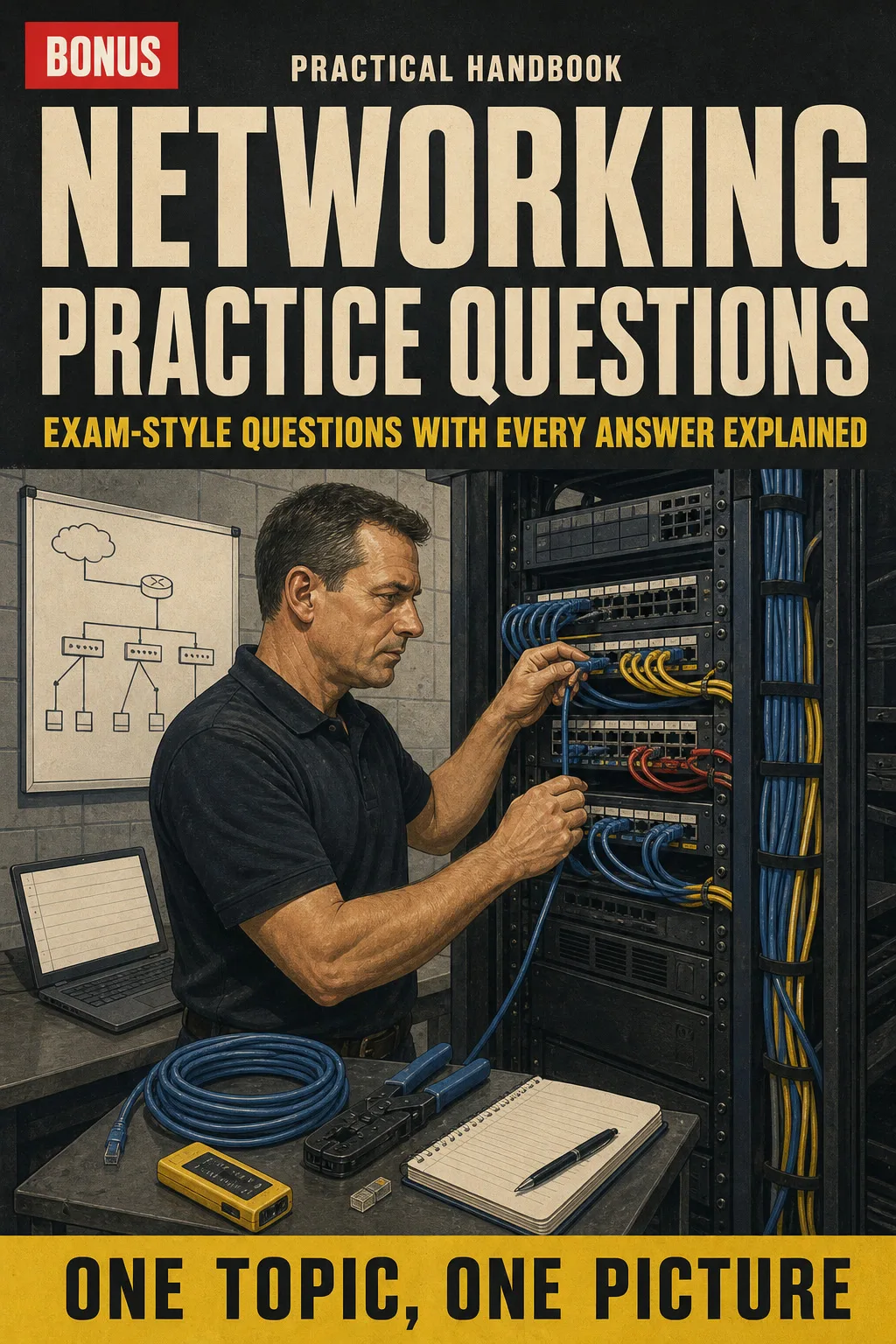
Networking Practice Questions: Exam-Style Questions with Every Answer Explained
BONUS 1

Networking Practice Questions: Exam-Style Questions with Every Answer Explained

Test yourself topic by topic, from pinouts to subnetting, and see exactly why each answer is right or wrong.
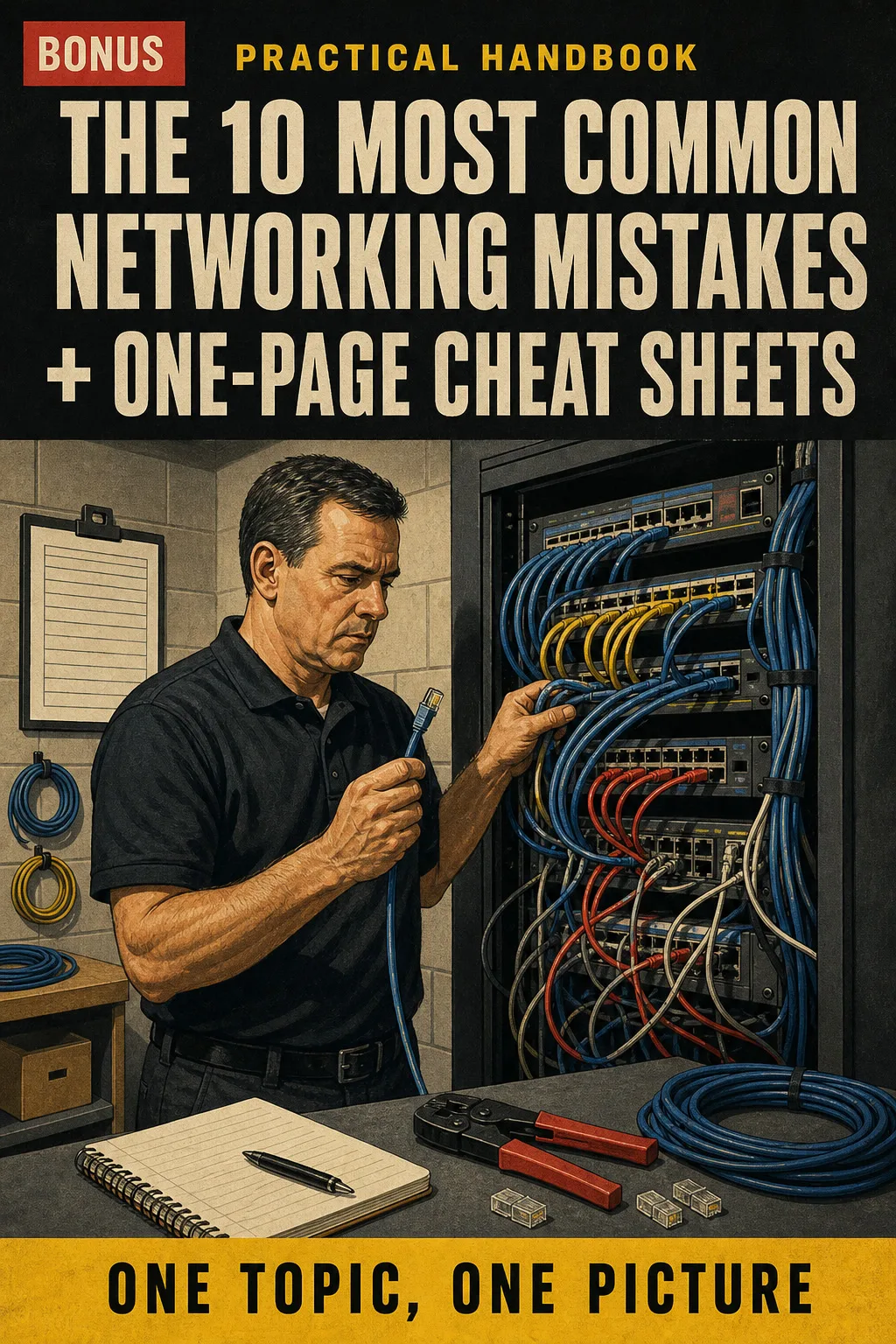
The 10 Most Common Networking Mistakes + One-Page Cheat Sheets
BONUS 2

The 10 Most Common Networking Mistakes + One-Page Cheat Sheets

See each common mistake next to the correct way, drawn before and after, plus printable one-page charts for pinouts, ports and subnet masks to keep in your toolbag.

30-Day Guarantee

30-day guarantee: if a file doesn't open, if the content isn't what the product page describes, if you were charged twice or the email never arrived, write to us and we'll refund you in full. You pay once. No subscriptions.

Frequently Asked Questions

Is this for me if I already pull cable but never learned the networking side?

Yes. It starts at the cable you already know and works up to IP addresses, subnetting, VLANs and troubleshooting, one topic per page.

Where does the content come from?

It's checked against ANSI/TIA-568, TIA-569 and TIA-606 for cabling, IEEE 802.3, 802.1Q and 802.11 for Ethernet, VLANs and Wi-Fi, and the NEC (NFPA 70) for cable fire ratings.

Is this official material?

No. It covers the topics entry-level networking certifications ask about: cabling and pinouts, the OSI model, IP addressing and subnetting, ports and protocols, VLANs, Wi-Fi and troubleshooting. It isn't affiliated with any certification body or standards organization, and it doesn't come with a certificate: that comes from passing the exam itself.

Does it replace a course or hands-on training?

No. It's an illustrated study and review book. Use it alongside your course, your training and the codes that apply to your job.

Are the practice questions the real exam questions?

No. They're exam-style questions written for this book, and every answer comes with an explanation.

When and how do I get it?

The book and the 2 bonus books come as PDFs by email, sent to the address you enter at checkout.

Do I have to pay every month?

No. You pay once.

Can I have it on paper?

Yes. It's a PDF you can print at home or at a print shop and take to the job site.

How does the refund work?

You have 30 days. We refund everything if the file won't open, if the book isn't what you see on this page, if you were charged twice or if the email doesn't arrive: just email us.

US$ 27US$ 63
Get the book · US$ 27

This is a digital PDF book sent to your email: nothing is printed or shipped.

More books on this topic

Video Security Systems Illustrated

Video surveillance explained one topic per page, every concept drawn: system architecture, camera types, lenses and…

From US$ 27 US$ 63

Locksmith Illustrated

An illustrated locksmith book for license and certification prep: pin tumbler cylinders, key blanks and bitting…

From US$ 27 US$ 63

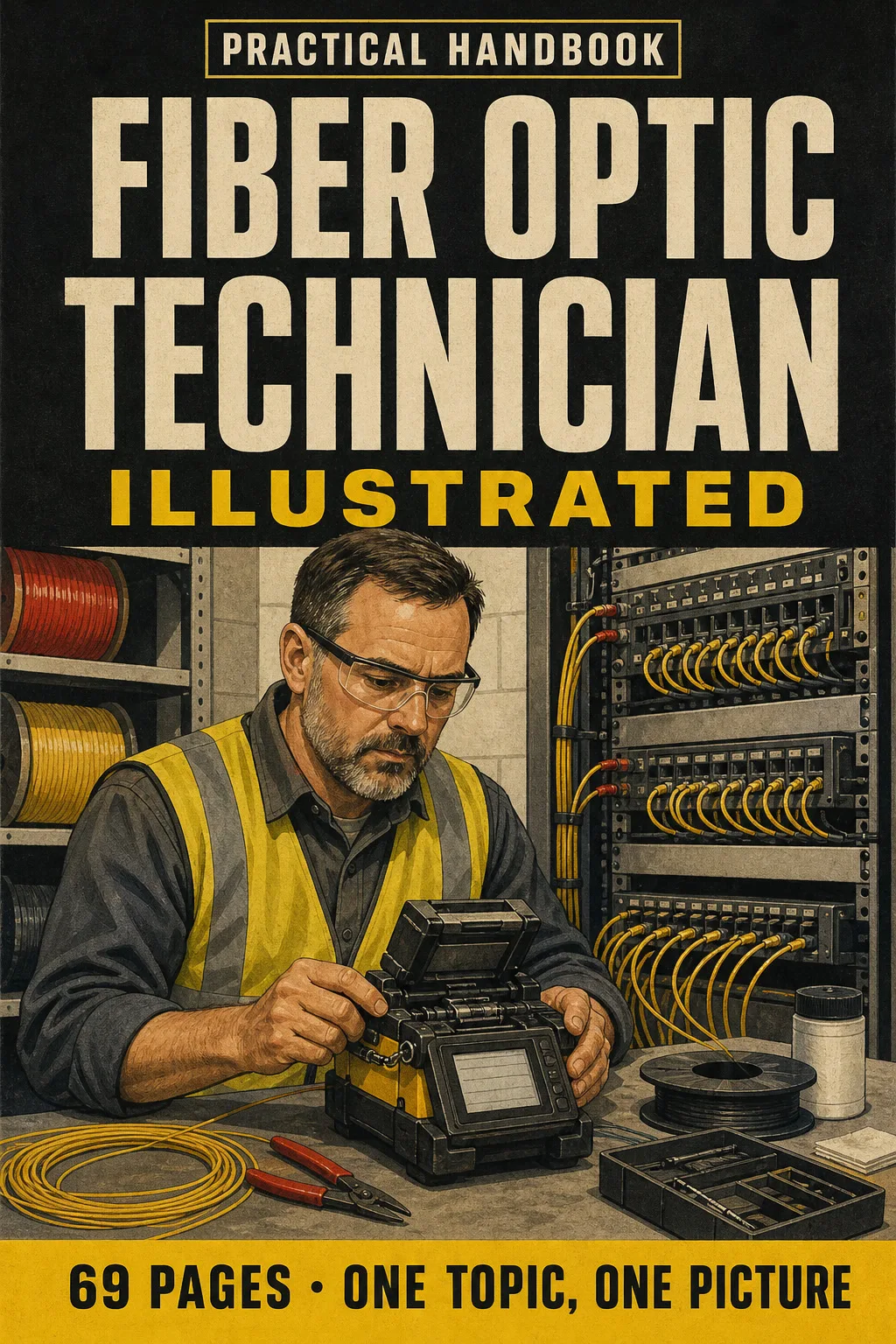
Fiber Optic Technician Illustrated

Fiber optics explained one topic per page, every concept drawn: singlemode vs. multimode, LC/SC/MPO and UPC vs. APC…

From US$ 27 US$ 63

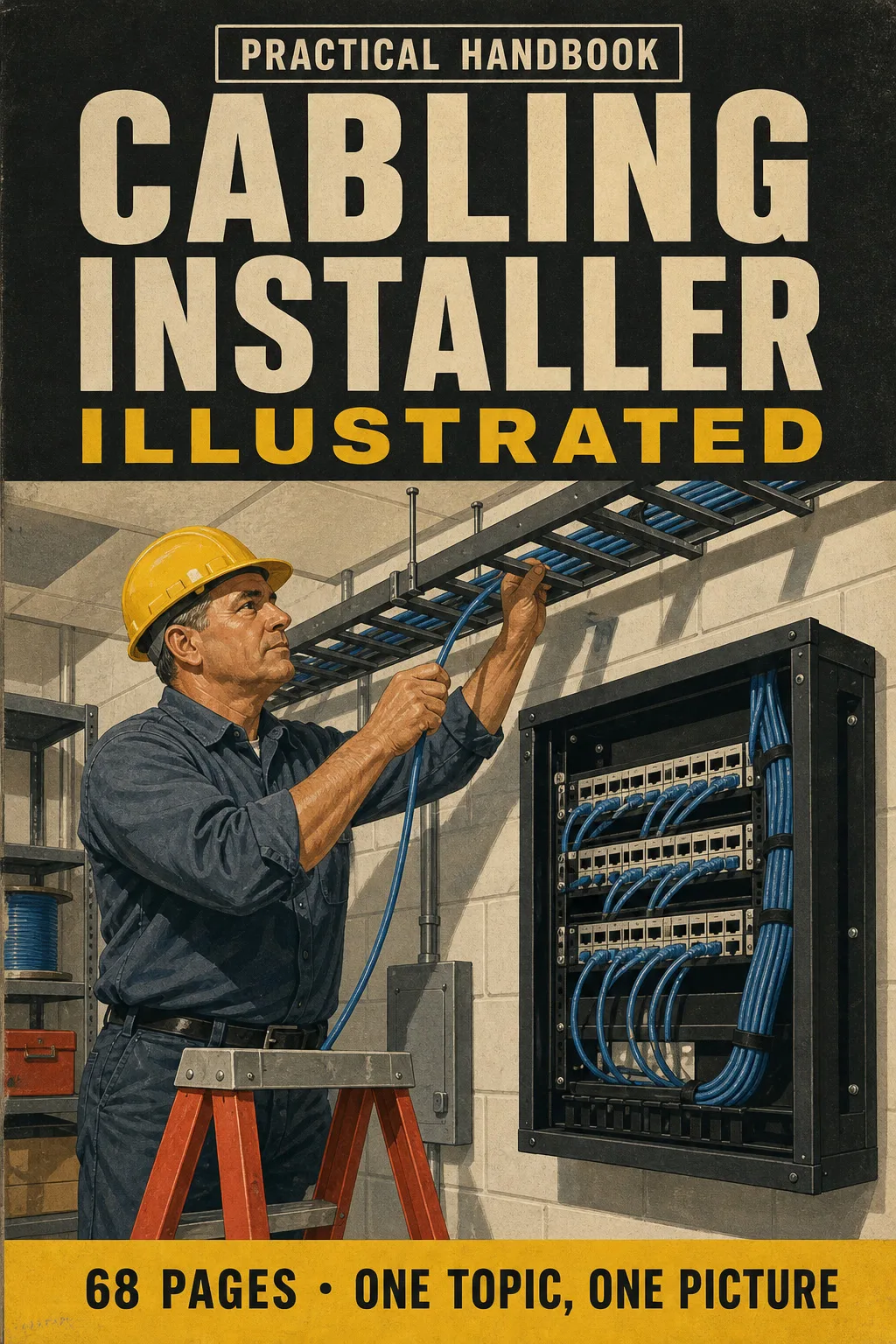
Cabling Installer Illustrated

Structured cabling explained one topic per page, every concept drawn: the 6 subsystems as one path, Cat 5e vs Cat 6 vs…

From US$ 27 US$ 63

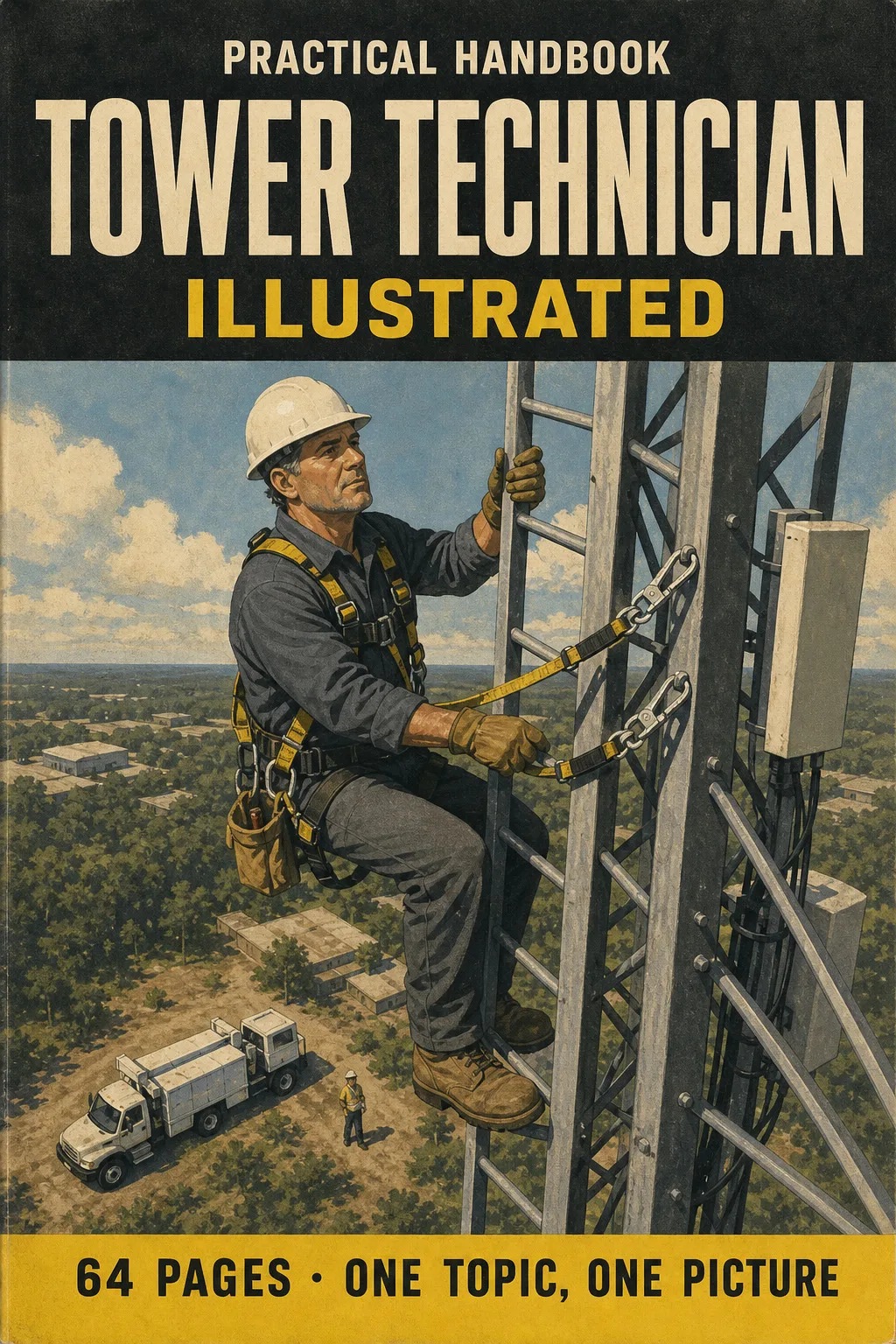
Tower Technician Illustrated

Get ready for the TTT-1 written exam with a book you can actually picture: tower anatomy, fall protection, 100%…

From US$ 27 US$ 63